
Feature
Data Sources
Collect data from platforms into your data warehouse
Easily collect, blend any data from any of your business apps into your data warehouse, then enable those data in spreadsheets, BI tools & schedule AI Insights delivery to Chat tools or by email.
Get started freeRead the docs →
The analytics system teams trust
Marketplace users
175K+
teams running OWOX from the Google Workspace Marketplace
G2 rating
4.9
296 verified reviews on G2
Connector downloads
156K+
open-source connector installs via npm
GitHub stars
231
the platform is open source — star it, fork it, self-host it
One Pipeline, Two Outcomes
Collect everything. Govern what matters.
Data Sources connects the platforms your team actually uses to your warehouse. Analysts get raw data to model; business users get the governed outputs — all from the same pipeline.
THE DATA ENGINEER
Free, open-source connectors — zero vendor lock-in
Connect the marketing platforms, CRMs, and business tools you actually use — with free, open-source connectors. No per-connector fees, no volume limits — data lands in your warehouse, under your control.
Your data, your warehouse, your rules — we just handle the plumbing.
THE BUSINESS USER
All your data, finally in one place
Once connected, data from every platform is blended into governed data marts. No more switching between ad platforms, CRMs, and spreadsheets — everything lives in one queryable layer.
From 15 browser tabs to one data mart — that's the difference.
Free connectors. Governed data. One pipeline. — Open-source connectors feed your warehouse; OWOX Data Marts turn the raw data into something your whole team can trust.
For Data Teams3 use cases
For Data Teams
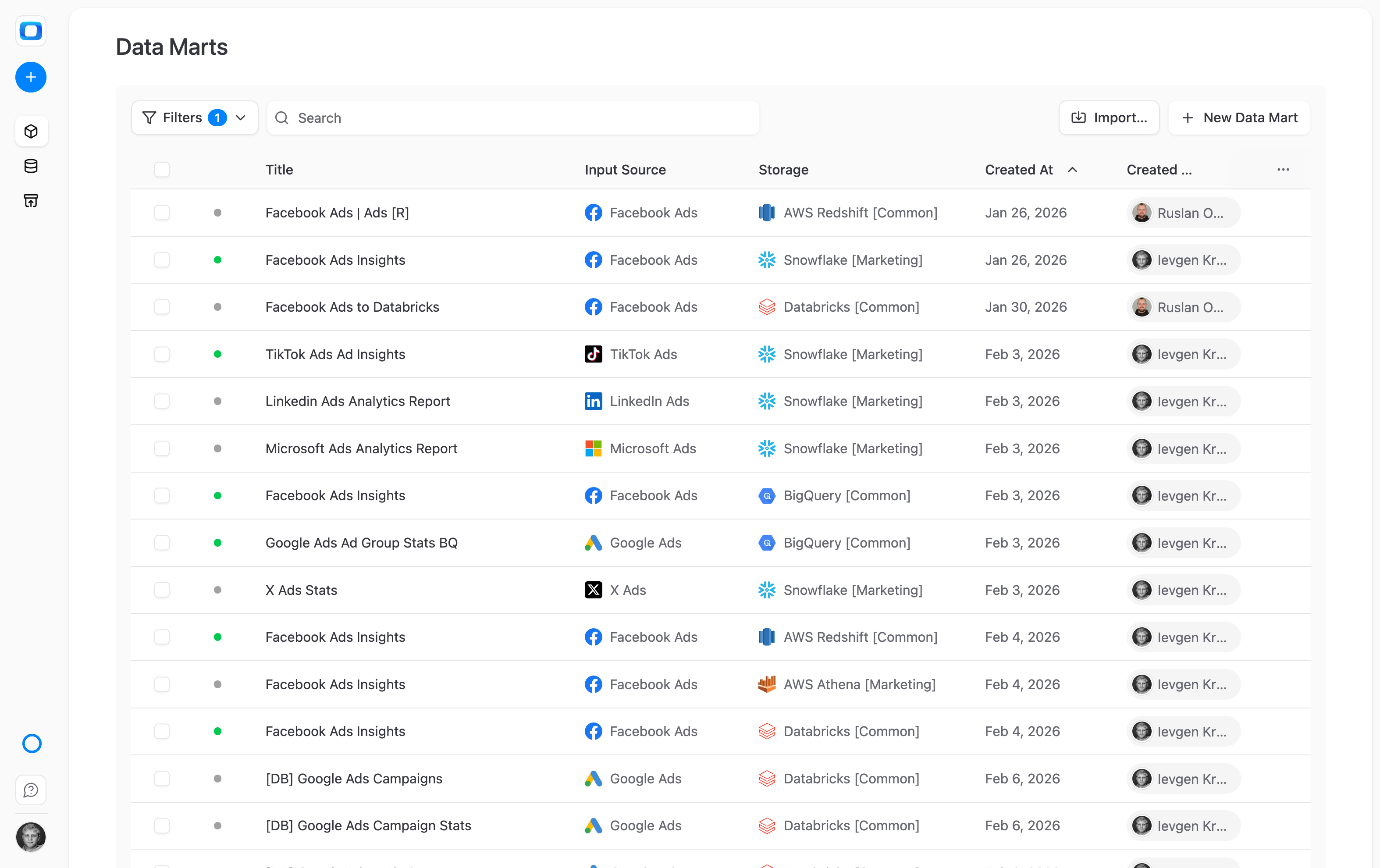
Connect external data to your storage
Free, open-source connectors for marketing platforms, CRMs, and databases — data lands in your data warehouse, under your control.
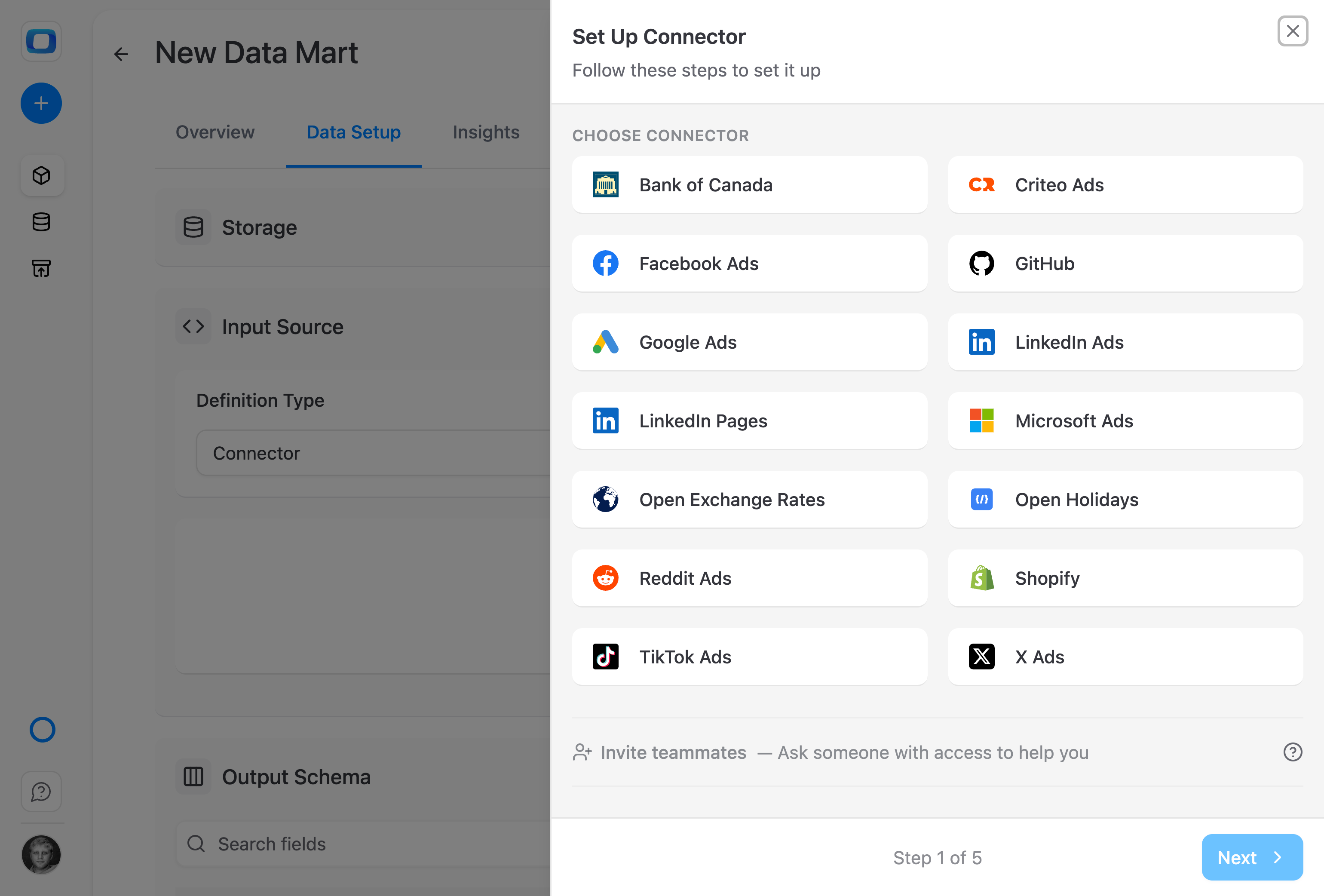
Data connectors, all open-source
Connect Google Ads, Meta, TikTok and more platforms to your warehouse. No per-connector fees, no volume limits.
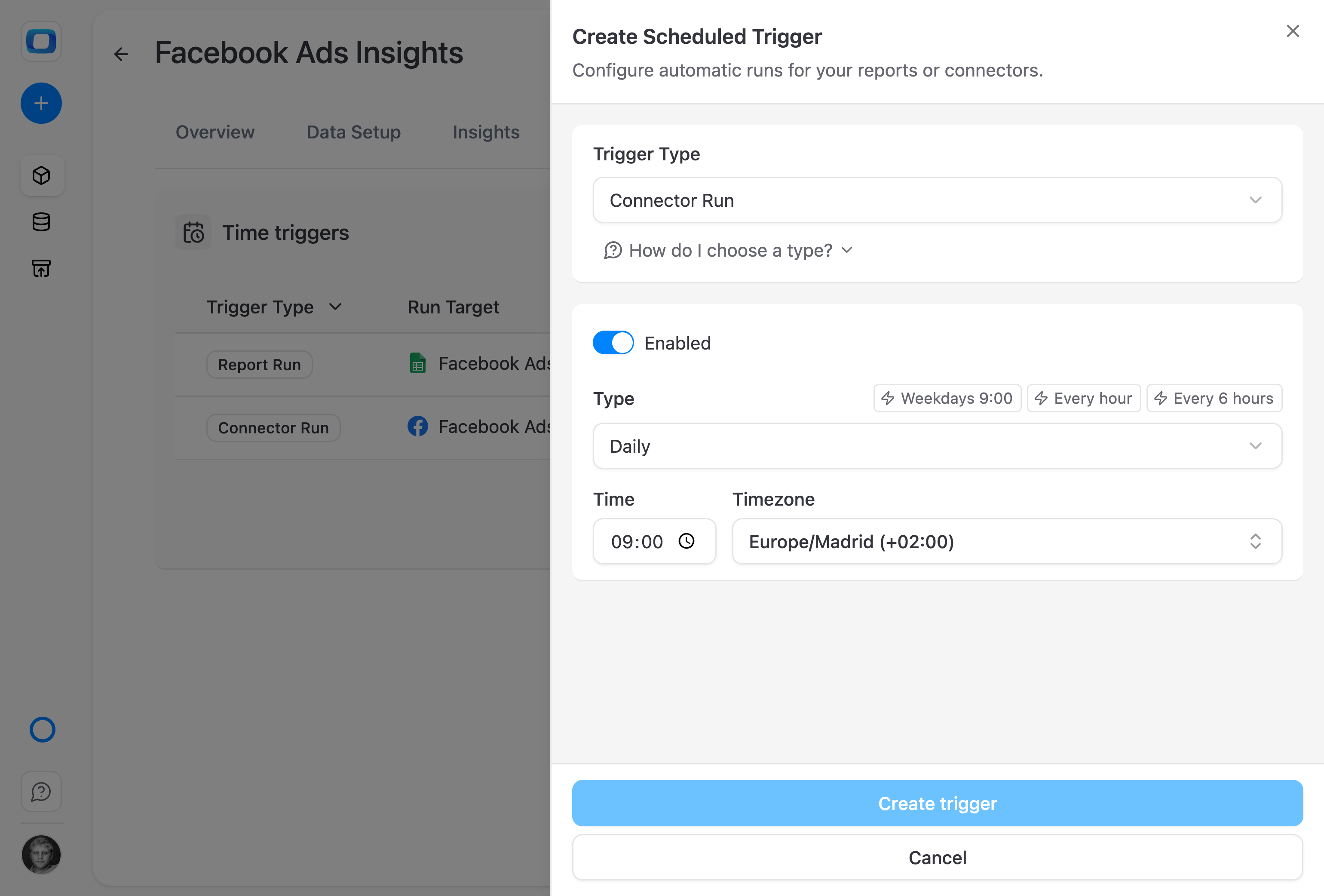
Automate data collection on your schedule
Set hourly, daily, or custom sync intervals. Most connectors support incremental updates — so only relevant data gets pulled.
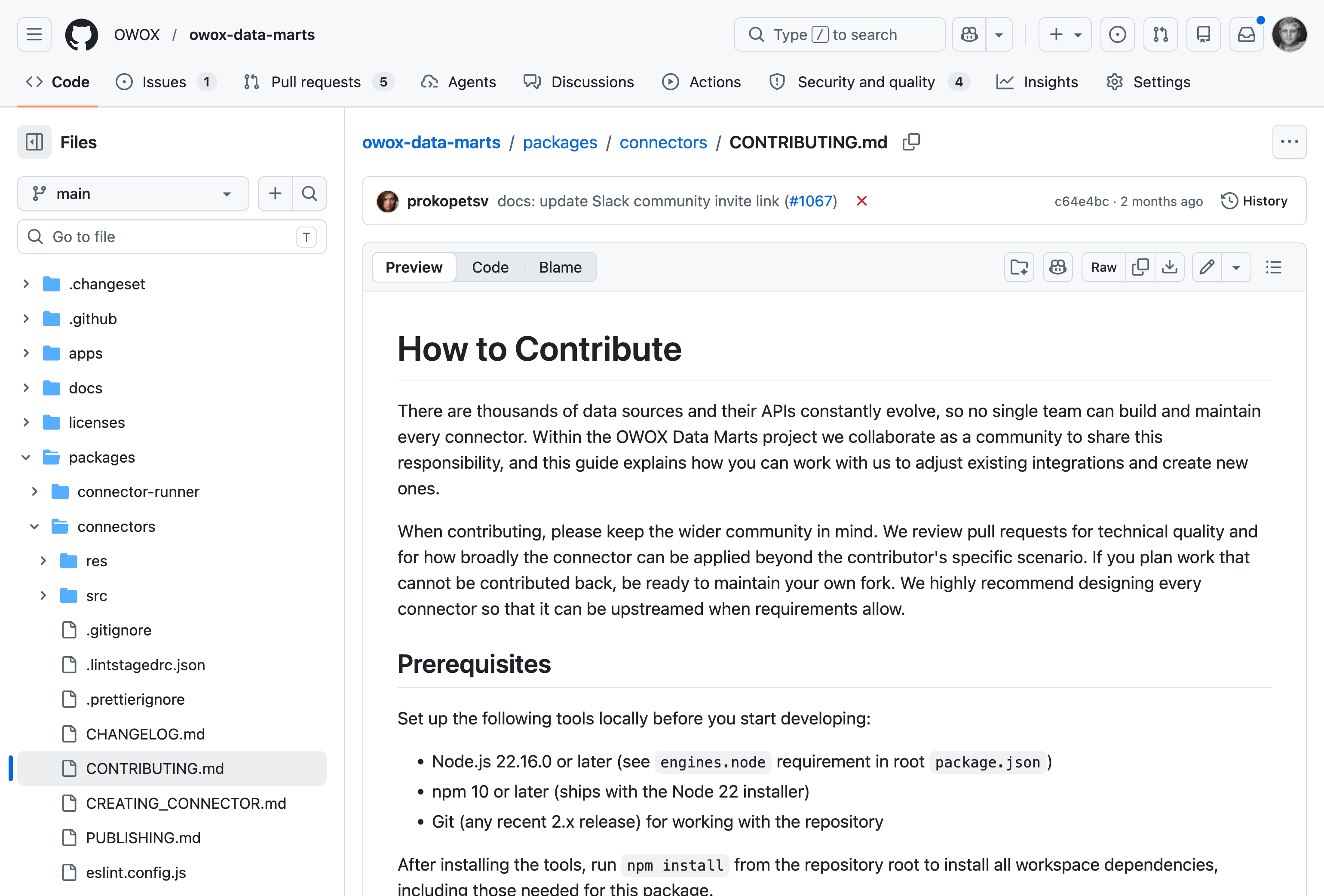
Build any connector you need
All connectors are open-source on GitHub. Fork an existing one, build from scratch, or contribute back to the community. No vendor lock-in, ever.
For Business3 use cases
For Business
All your data in one place
Once connected, data from every platform is blended into governed data marts – no more switching between 15 browser tabs.
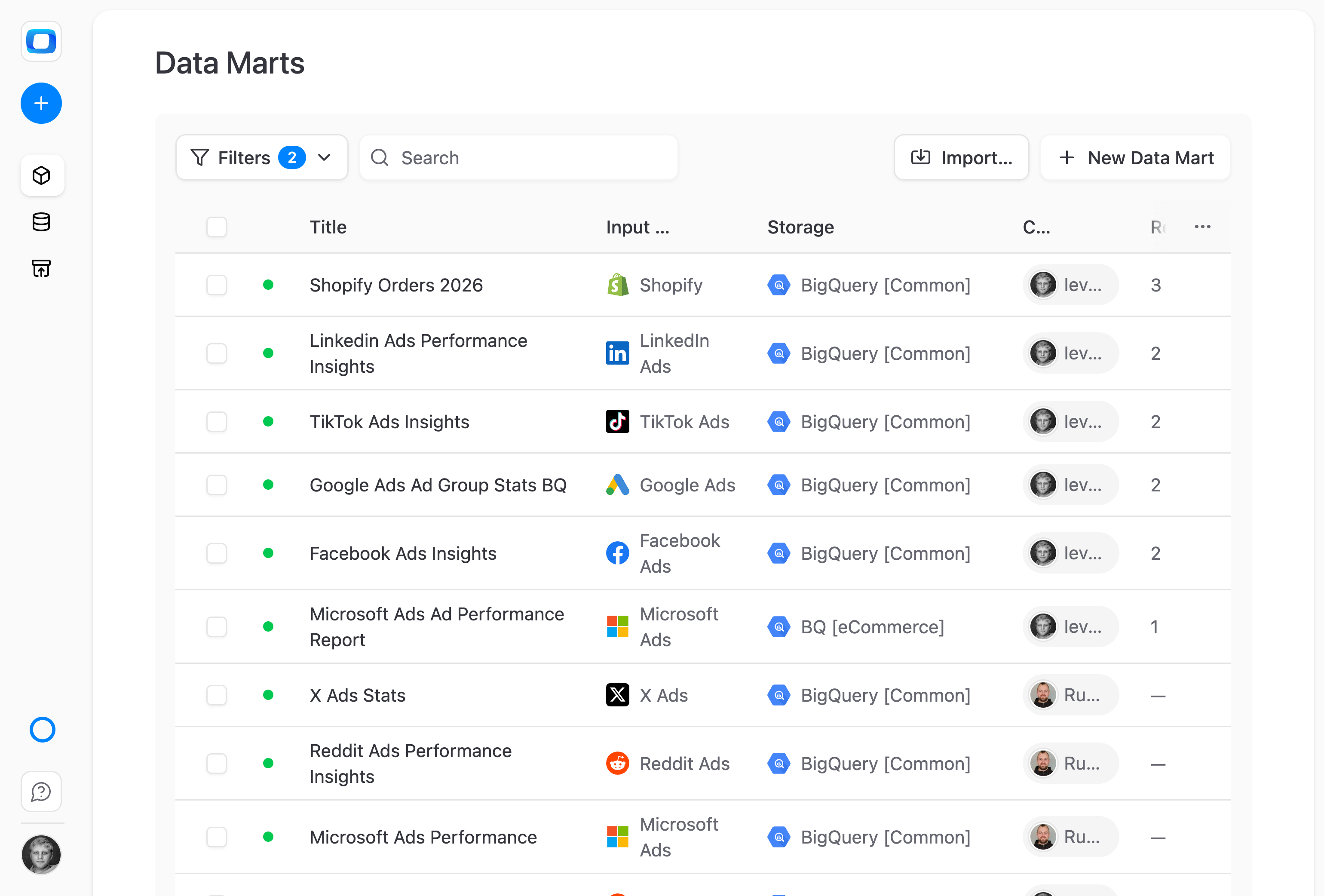
All your marketing data in one Google Sheet
Every platform — Google Ads, Meta, TikTok, your CRM — becomes accessible right from the Google Sheets UI. No more jumping between browser tabs.
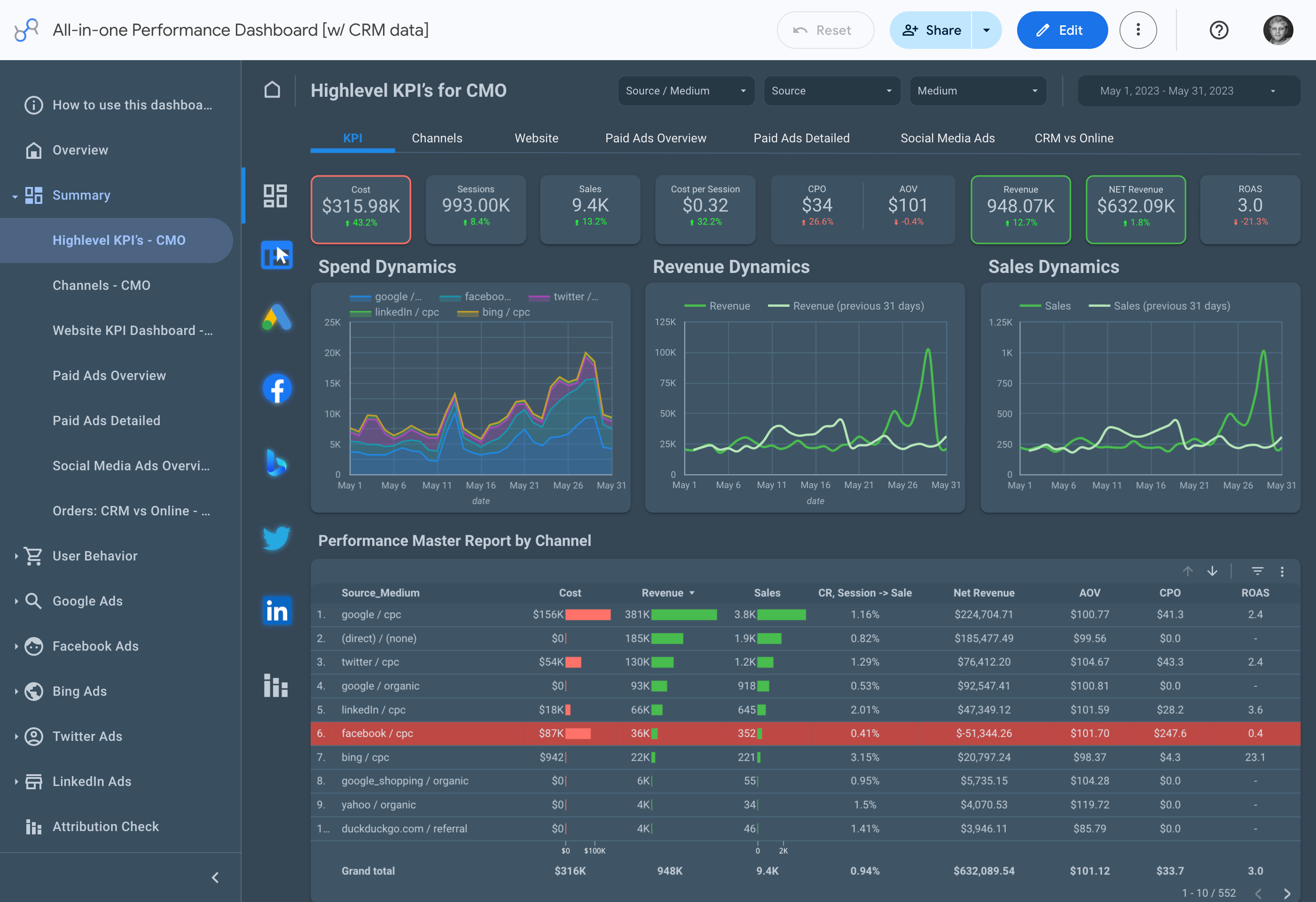
See true ROI across every channel
Blended ad spend and CRM revenue land in Google Sheets, Looker Studio, or Slack — so you can finally answer "which channel drives pipeline?"
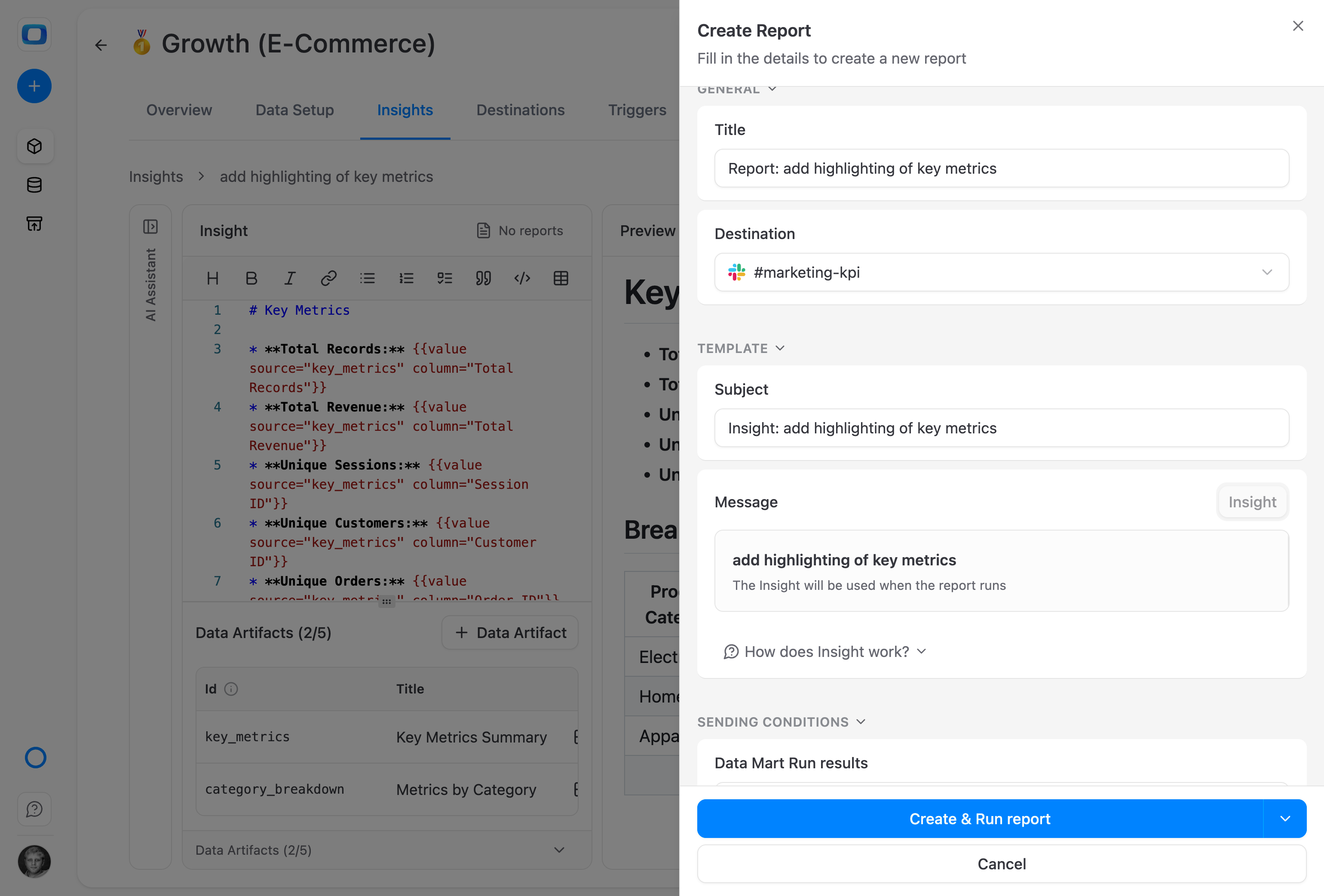
Daily numbers, delivered to Slack
Wake up to a short summary of yesterday's spend, leads, and conversions — right where your team already talks.
Available data sources11
Available data sources
Select the one you need right now. We're constantly adding more tools & services.




How it works
How our data collection works?

Step 1: Add Your Data Storage
Decide where do you want your data to be stored - any data warehouse

Step 2: Select data source
Choose your app, give necessary permissions to account.

Step 3: Configure the fields
Select the fields your want to import. You can get the fields available in the API.

Step 4: Run & get your data
You're ready to go. Run connectors & set update frequency.

Step 5: Connect more sources
You don't want single-source reports, right? Collect more data!

Step 6: Configure Data Marts
Build a collection of data marts: SQL, tables, views or connectors.

Step 7: Connect BI Tools & more
Select a data destination: Sheets, Looker Studio, Email or Chat tools.

Step 8: Run AI Insights
Get focused on data insights, set delivery and forget about routine.
Editions
Available in all editions
Reporting Analyst
Stop being the reporting bottleneck. Hire an Analyst that handles every "quick" question from stakeholders.
Starts at $65 /mo
Hire Reporting AnalystSenior Analyst
Stop running your business blind. Hire a Senior Analyst that unlocks trusted answers to every "why?"
Starts at $90 /mo
Hire Senior Data AnalystEnterprise
Scale self-service analytics with your governance rules and trusted context.
Let's Talk
Talk to SalesWhy teams pick OWOX
Everything business needs

Built by analysts, used by all
Analysts define the structure and logic. Business users explore freely – with confidence in every number.

Connect everything, pay nothing
Integrate unlimited data sources – ad platforms, CRMs, databases – with zero connector fees. Forever.

Free up analyst time
Let analysts focus on real analytics – forecasting, modeling, innovating – not fixing filters and chasing CSVs.

Single source of truth
Work from one consistent, governed set of data marts across teams – no more “whose report is right?” or conflicting metrics.
FAQ
Frequently asked questions
Which data sources does OWOX support?
OWOX Data Marts supports the most-used marketing and business platforms — Google Ads, Meta, TikTok, LinkedIn Ads, X Ads, Microsoft Ads, Criteo, Reddit Ads, Shopify, and more. All connectors are free and open-source, and new ones get added regularly.
Are the connectors really free?
Yes. All OWOX data source connectors are open-source and free to use in any edition. There are no per-connector fees or data volume surcharges.
Which data warehouses can I collect data into?
You can collect data into BigQuery, Snowflake, Databricks, Redshift, or Athena. OWOX works natively with your existing cloud data warehouse.
How often does data sync?
Sync frequency depends on your setup. You can schedule data collection to run hourly, daily, or at custom intervals using the Orchestration feature. Most connectors support incremental updates.
Can I blend data from multiple sources?
Yes. Once data from multiple sources lands in your data warehouse, you can create data marts that blend and transform it. For example, combine Google Ads spend with CRM revenue data in a single mart.
What if the connector I need doesn't exist?
Because all connectors are open-source, you can build custom connectors or modify existing ones. The community also contributes new connectors regularly. Check the documentation for the full list and contribution guide.
What users are saying
Every claim has a receipt.
Real things real customers said — each quote pinned to a specific claim, straight from the quotes database.
 Nodari RizunFounder & CEO, Pürblack®
“AI, by the nature of the models, will hallucinate. And because of that, you need something which will create guardrails to ensure that there are no hallucinations, that you can trust your data.”
 Mark SimmonsCMO, Pürblack®
“We had six or seven different channels and no single source of truth — it was almost impossible, a lot of guesswork.”
Nodari RizunFounder & CEO, Pürblack®“We regained time. And time is the one resource that never comes back.”